
Use the core app without creating an account.
For the house you are learning as you go
Build the manual your house never came with.
Know what to maintain, save the details you will need later, and keep a useful history of repairs, service, manuals, photos, and receipts.
Prefer a list? Use the starter checklist.
- Core app works without an account
- Local-first
- Readable export
A 50-second product film
See one home record come together.
Follow a house from scattered details to one connected record, then see how the real app keeps the next useful thing close.
Read the film transcript
Your house already has a history. It is just scattered.
House Manual gives your home one place for its useful story, so you can find what matters next. Start with what you know and add the rest as life happens.
One furnace can connect its equipment identity, manual, care plan, service history, receipt, and next due date.
When your home needs attention, the next useful thing is already there. Your information stays on your device, with optional Apple protection and no ad tracking.
Build the manual your house never came with. Start with one useful record.
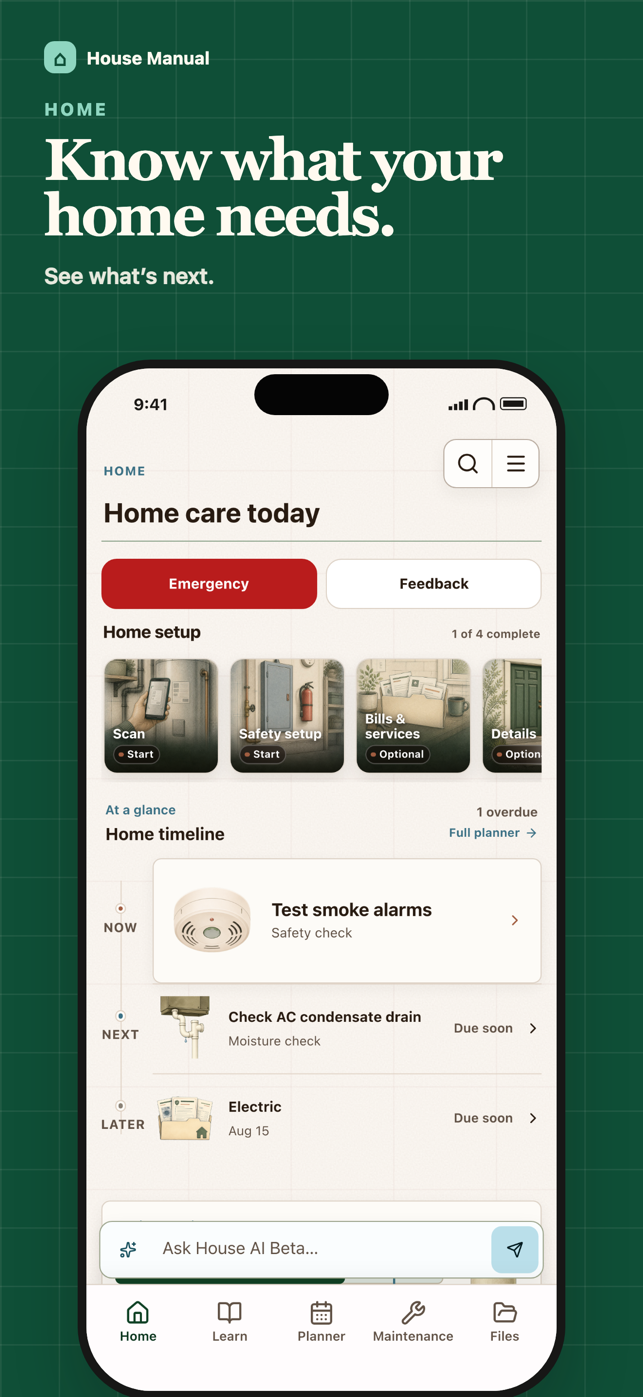
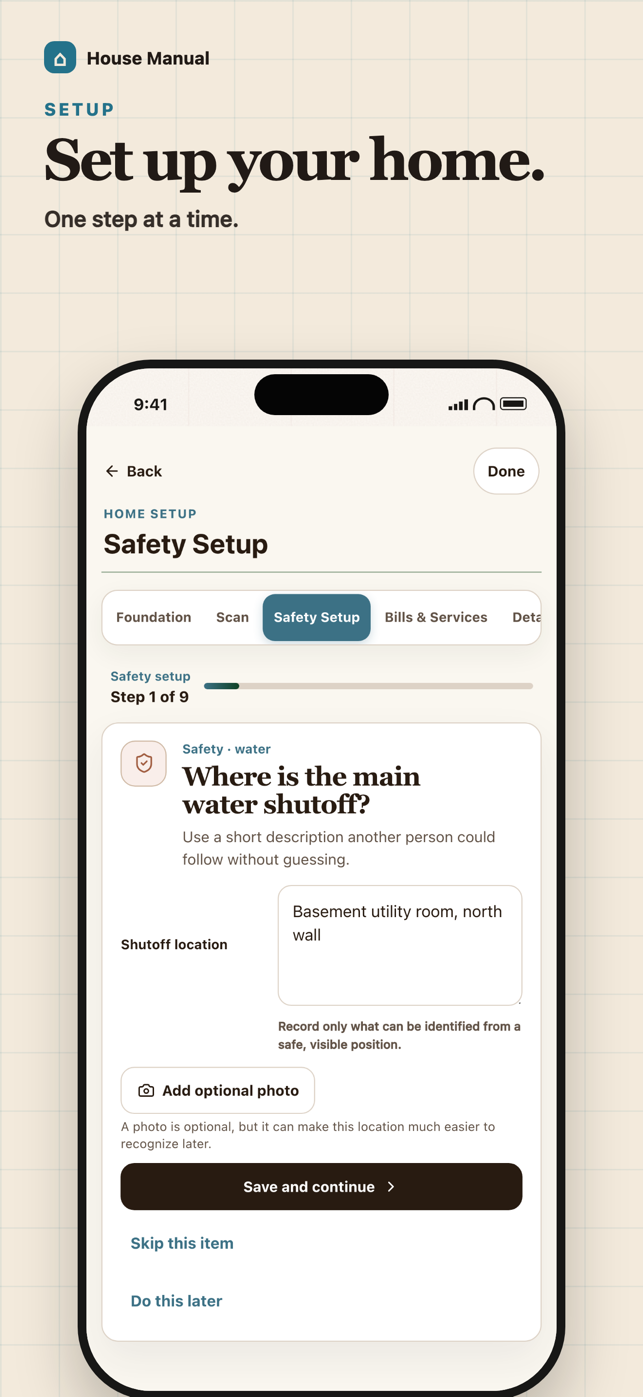
Inside the current app
Start with the house, then keep the records useful.
These are the screenshots Apple currently publishes for House Manual 1.0.3.

One connected record
The details make more sense when they stay with the work.
A home manual keeps the equipment, care, documents, and history close enough to answer the next real question.
- Equipment
Furnace model and filter size
- Maintenance
Filter change and seasonal checks
- Documents
Manual, warranty, photo, and receipt
- Service history
What was repaired and by whom
- Next due
The useful action to remember
Start without finishing everything
Build it as you learn the house.
You do not need every serial number on day one. Begin with what would help during the next maintenance task or repair.
- 01Add the basics
Start with the house facts and safety details you already know.
- 02Capture important equipment
Save model numbers, filter sizes, manuals, photos, and warranties as you find them.
- 03Keep the history
Record maintenance, repairs, service visits, and receipts when the work happens.
Your house, under your control
Useful without giving up the keys.
Signing in does not upload or replace a home. You choose whether to connect it.
Scanned details remain reviewable; uncertain or unsupported details stop for your choice.
Prepare a ZIP of the records available to you from the app's data controls.
Read the full Privacy Policy for sync, files, online processing, retention, export, and deletion details.
A note from the founder
I am learning the house, too.
I'm Seth, a homeowner and the person building House Manual. I started it because the facts I needed during maintenance and repairs were scattered across labels, manuals, receipts, texts, and memory.
The goal is not to pretend I know every trade. It is to make it easier to keep what your house teaches you, find the next useful detail, and know when the right move is to bring in a qualified professional.
— Seth Imbrunone, founder of House Manual
Start with one useful record for your house.
Add the equipment detail or maintenance task you are most likely to need next.